
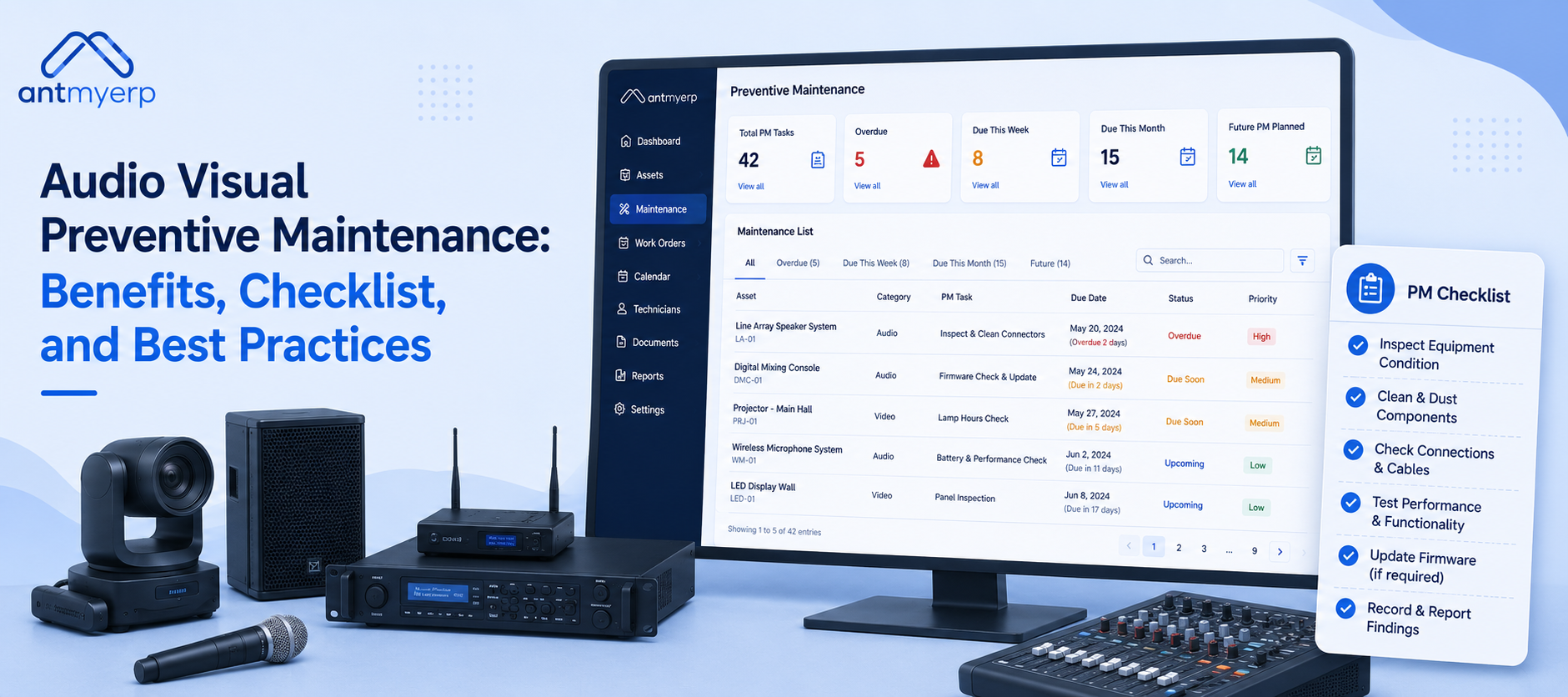
Audio Visual Preventive Maintenance: Benefits, Checklist, and Best Practices
2026-06-15
Most audio visual (AV) systems do not stop working because of one major problem. Small issues such as dust, loose cables, overheating, or outdated software can build up over time and affect performance. If these issues are not fixed early, they can lead to equipment failure and downtime. This blog explains Audio Visual Preventive Maintenance, its benefits, common maintenance checklist and how AV Companies can use preventive maintenance software to improve AV system reliability and reduce downtime.
What is Audio Visual Preventive Maintenance?
Audio Visual Preventive Maintenance involves regular inspection, cleaning, testing, and servicing of AV equipment to keep it working properly. It helps prevent unexpected breakdowns and reduces system downtime. Regular maintenance ensures equipment such as projectors, microphones, speakers, displays, amplifiers, and video conferencing systems continue to perform smoothly and reliably.
Why Audio Visual Preventive Maintenance is Important
Preventive maintenance is important because it:
- Reduces unexpected equipment failures
- Improves audio and video quality
- Prevents overheating and signal loss
- Extends equipment lifespan
- Reduces repair and replacement costs
- Improves user experience during meetings, presentations, and events
In simple terms, preventive maintenance helps identify small issues before they become major operational problems.
Common Causes of AV Equipment Failure
Many AV system failures occur due to preventable issues that develop over time.
Common causes include:
- Dust buildup blocking ventilation systems
- Poor cable management
- Overheating due to inadequate cooling
- Outdated firmware and software
- Power fluctuations and electrical issues
- Lack of regular inspections
- Excessive equipment usage without maintenance
Identifying these issues early can significantly improve system reliability and performance.
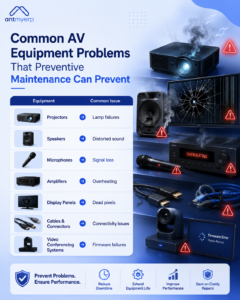
Common AV Equipment Problems Preventive Maintenance Prevents
Most AV failures start small and become more serious if ignored.
- Projector lamp failure – sudden display loss
- Speaker distortion – poor audio clarity
- Microphone signal loss – unclear communication
- Amplifier overheating – internal damage risk
- Display dead pixels – reduced visual quality
- Cable issues – weak or lost connection
- Video conferencing failures – system crashes, lag, or connectivity problems
Routine inspections can help prevent these issues before they affect daily operations.
Signs Your AV Equipment Needs Preventive Maintenance
Your AV equipment may require maintenance if you notice:
- Audio crackling or distortion
- Reduced projector brightness
- Frequent device restarts
- Delayed video conferencing performance
- Equipment overheating
- Loose or damaged cables
- Connectivity or network issues
- Unexpected system errors
Addressing these warning signs early can help avoid costly downtime.
Audio Visual Preventive Maintenance Checklist
1. Check Cables and Connections
- Inspect for loose connections
- Identify damaged wires
- Check for signal interference
- Remove dust and corrosion
2. Clean Equipment
- Remove dust from vents
- Clean projector lenses
- Clear cooling fans and filters
- Wipe display surfaces
3. Update Systems
- Install firmware updates
- Apply software patches
- Improve security settings
- Ensure compatibility with connected devices
4. Test Performance
- Verify audio clarity
- Check video quality
- Test audio and video synchronization
- Monitor network stability
5. Monitor Equipment Health
- Track usage hours
- Maintain service records
- Identify recurring issues
- Analyze performance trends
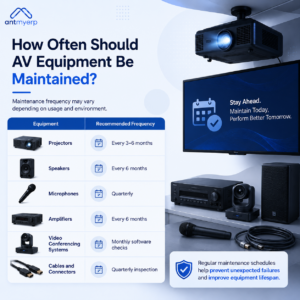
How Often Should AV Equipment Be Maintained?
Maintenance frequency may vary depending on usage and environment.
- Projectors: Every 3–6 months
- Speakers: Every 6 months
- Microphones: Every 3 months (quarterly)
- Amplifiers: Every 6 months
- Video Conferencing Systems: Monthly software and firmware checks
- Cables and Connectors: Every 3 months (quarterly)
Regular maintenance helps prevent unexpected failures, improves performance, and extends the lifespan of AV equipment
Benefits of AV Preventive Maintenance
Less Downtime
Regular inspections help identify potential problems before they cause equipment failures.
Lower Maintenance Costs
Early issue detection reduces the need for expensive repairs and emergency replacements.
Better Performance
Well-maintained AV systems deliver clearer audio, better video quality, and improved reliability.
Longer Equipment Life
Routine servicing helps maximize the lifespan of projectors, displays, speakers, microphones, and other AV assets.
Improved User Experience
Reliable AV systems support smoother presentations, meetings, training sessions, and events.
Best Practices for AV Preventive Maintenance
To improve maintenance outcomes:
- Create a documented maintenance schedule
- Maintain equipment inventory records
- Test backup devices regularly
- Train staff on basic equipment inspections
- Keep firmware and software updated
- Record maintenance activities for future troubleshooting
- Monitor recurring issues to identify root causes
How Modern AV Teams Manage Maintenance
Today, many AV teams manage equipment across different locations, meeting rooms, and customer sites. Tracking maintenance manually can be difficult and may lead to missed inspections, delayed service, or incomplete records. A structured maintenance process helps teams stay organized and keep equipment in good condition.
It helps teams:
- Schedule inspections on time
- Maintain equipment service records
- Assign maintenance tasks to technicians
- Track completed maintenance activities
- Manage service contracts and agreements
- Receive reminders for upcoming maintenance
With a proactive maintenance approach, teams can reduce unexpected equipment failures, improve system reliability, and keep AV operations running.
Our AMC Management Software can help for better service control.
Simplify Audio Visual Preventive Maintenance with AntMyERP
As AV systems become more advanced, managing maintenance with spreadsheets, paper records, or manual reminders can be challenging. It is easy to miss a service date or overlook a small issue that later turns into a major problem. This can lead to equipment downtime, poor performance, and higher repair costs.
AntMyERP’s Preventive Maintenance Software helps organizations organize and manage maintenance activities from one place. Teams can:
- Schedule preventive maintenance automatically
- Track AV equipment and service history
- Create and assign maintenance work orders
- Receive maintenance reminders and alerts
- Monitor technician activities
- Manage AMC contracts and service schedules
- Access maintenance records from mobile devices
- Generate maintenance and service reports
By moving maintenance processes to a digital platform, organizations can improve equipment reliability, reduce unexpected breakdowns, and keep AV systems running smoothly when they are needed most.
The Future of AV Preventive Maintenance
As AV environments become more connected, maintenance strategies are evolving.
Organizations are increasingly adopting:
- Remote equipment monitoring
- Automated maintenance alerts
- Performance analytics
- Centralized asset tracking
- Predictive maintenance technologies
AntMyERP’ Preventive Maintenance Software helps support these modern maintenance practices by providing better visibility into equipment health, maintenance schedules, and service performance.
These approaches help teams identify potential failures earlier and maintain higher system reliability.
Conclusion
Audio Visual Preventive Maintenance helps keep AV equipment working properly. Regular checks, cleaning, testing, and updates can find problems early before they cause a breakdown. This helps reduce downtime, improve performance, and make equipment last longer.
For organizations with many AV devices, preventive maintenance software can help schedule maintenance, track service work, and make sure tasks are completed on time.