
Appliance Repair Field Service App: Key Features and Benefits
2026-10-30
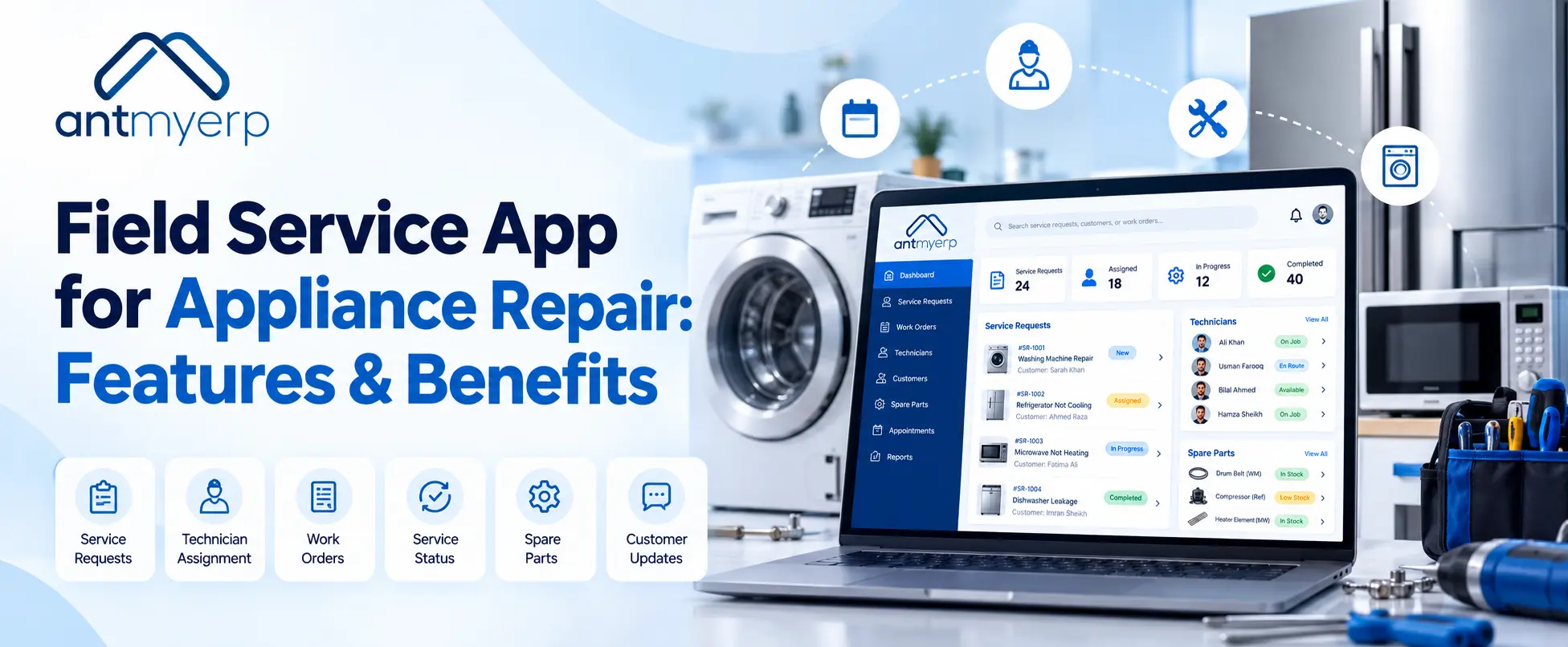
Appliance repair field service App helps repair businesses manage their daily operations in one place. It allows teams to record customer complaints, track repair jobs from request to completion, and schedule technicians based on their availability, skills, and location. Businesses can check spare parts availability before sending technicians, maintain service histories with details of previous repairs and replaced parts, and give field teams access to job information while on the move. It also helps managers monitor completed jobs, delayed repairs, repeat visits, and technician workloads to keep service operations organized and improve customer satisfaction.
Appliance repair businesses often struggle to manage technician schedules, repair requests, and spare parts separately. A field service app helps bring these activities together, making it easier to assign jobs, track work orders, and maintain customer service records. For example, if a refrigerator repair requires a specific compressor, the team can check parts availability and coordinate the technician’s visit before confirming the appointment with the customer. This guide covers the essential features, benefits, and factors to consider when choosing appliance repair software.
What is an Appliance Repair Field Service App?
Appliance repair field service App is a tool that helps businesses manage repair and maintenance work performed at customers’ homes or commercial locations.
It connects the office team, service managers, and field technicians through shared service information. Instead of maintaining separate records for every activity, the team can manage the repair process through a more organized workflow.
Depending on the features available, the software can help businesses:
- Record service requests and customer complaints.
- Schedule and dispatch technicians.
- Create and manage repair work orders.
- Track spare parts and inventory.
- Maintain customer and appliance service histories.
- Record completed work and service reports.
- Monitor job status and technician workloads.
It can be useful for businesses repairing refrigerators, washing machines, air conditioners, microwaves, dishwashers, and commercial appliances.
Real-life example:
Imagine a customer calls about an air conditioner that has stopped cooling. The office team records the complaint and assigns an available technician. Before the visit, the technician can review the reported issue and any available service history. After inspecting the unit, the technician records the diagnosis and updates the job status.
Everyone involved has a clearer picture of what needs to be done.
Key Features of a Field Service App for Appliance Repair
The right software should address the problems your team faces every day. Here are six useful features to consider.
1. Technician Scheduling and Dispatch
Scheduling becomes difficult when several customers request repairs on the same day. Managers must consider technician availability, travel time, job urgency, and the type of repair required.
Appliance repair dispatch software helps managers assign jobs and share appointment details with the right technicians.
Example: Three customers report problems with their refrigerators. One technician is already booked, another is nearby but lacks experience with the reported issue, and a third is available with the relevant skills. The manager can use the available scheduling information to make a more suitable assignment. This helps reduce scheduling conflicts and unnecessary travel.
2. Work Order Management
A work order contains the important details of a repair job, including the customer’s complaint, appliance information, assigned technician, required parts, and work status.
Appliance repair work order management helps teams keep these details together instead of searching through messages or paper records.
Example: A washing machine needs a replacement motor. The work order can record the initial complaint, inspection findings, required motor, work performed, and final repair status.
If the customer contacts the business again, the team can review the job record rather than asking the customer to explain everything from the beginning.
3. Spare Parts and Inventory Management
Having the right spare part available can make a big difference to repair turnaround time.If a technician reaches a customer’s home without the required component, the repair may need another visit. This can increase travel costs and inconvenience the customer.
Inventory management helps businesses track available parts, record stock usage, and identify items that may need replenishment.
For example, before sending a technician to repair a refrigerator, the team can check whether the required component is available. This makes it easier to prepare for the appointment.
Businesses can also use inventory management software to improve stock visibility and coordinate parts with service requirements.
4. Customer Records and Service History
Customer records help the team keep contact information, previous service requests, repair details, and other relevant information in one place.
This becomes particularly useful when the same appliance develops a problem more than once.
Example: A customer reports that their air conditioner is not cooling properly for the second time in two months. The technician can review the previous service record to see which components were inspected or replaced.
This information provides a useful starting point for the next inspection and helps the team explain the repair history to the customer.
5. Mobile Access for Field Technicians
Field technicians spend much of their working day travelling between customer locations. They need access to appointment details, addresses, repair instructions, and service histories without repeatedly calling the office. A technician mobile application can provide access to assigned jobs and service information, depending on the software’s capabilities.
Technicians may be able to:
- Check their assigned jobs and schedules.
- Review customer and appliance details.
- Update repair progress.
- Record work performed and parts used.
- Submit service reports.
This gives managers better visibility into ongoing jobs and helps technicians spend less time looking for information.
6. Service Reports and Performance Tracking
Managers need to understand how the service team is performing. Which jobs are still pending? Are technicians completing their scheduled visits? Which appliances require repeat repairs?
Reporting features help businesses review these patterns using available service data.
Useful metrics include:
- Total repair requests received.
- Jobs completed within the scheduled time.
- Average repair completion time.
- Repeat visits and recurring complaints.
- Technician workload and productivity.
- Spare parts consumption.
For example, if reports show that several repairs are delayed because a particular spare part is frequently unavailable, the manager can review stock levels and purchasing plans.
The value of these reports depends on accurate and consistent job updates.
Benefits of Appliance Repair Field Service App
Once repair information and daily tasks are better organized, the team can manage its workload more effectively.
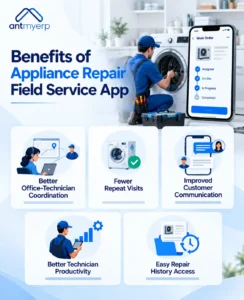
Better Coordination Between the Office and Technicians
When office staff and technicians work with the same job information, it becomes easier to understand what has been assigned, what is in progress, and what still needs attention.
Managers can identify pending jobs without calling every technician for an update.
Fewer Avoidable Repeat Visits
A second visit is sometimes necessary, but incomplete job details or missing spare parts can create avoidable trips.
Recording the reported problem, checking part availability, and sharing repair instructions before dispatch can help technicians prepare better.
This may reduce unnecessary travel and delays, although the outcome depends on the quality of the information and the availability of the required parts.
Better Customer Communication
Customers often want answers to simple questions: When will the technician arrive? Has the repair been completed? Which part needs replacement?
With organized job records and timely status updates, office staff can answer these questions more easily. If the software supports customer notifications, the business can also send appointment confirmations and repair updates.
Customers do not have to rely entirely on repeated phone calls to get basic information.
More Effective Use of Technician Time
A well-organized schedule helps managers distribute work according to availability, skills, and location.
Technicians can review their assigned jobs and prepare for visits in advance. This reduces time spent waiting for instructions or searching for customer details.
Easier Access to Repair History
Digital service records make it easier to review previous repairs, complaints, and parts replacements.
This is especially helpful for businesses that provide ongoing maintenance or service the same appliances over several years.
How to Choose the Right Appliance Repair Service Software or App
Not every business needs the same set of features. A two-technician repair shop may have different requirements from a company handling hundreds of service requests each month.
Before choosing appliance repair service software, consider these seven points.
- Identify your biggest daily problem.
Is your team struggling with appointment scheduling, missed updates, spare parts, or customer records? Start with the issue that affects your work most.
- Check the essential features.
Make sure the software supports the functions you need, such as work orders, technician assignment, service history, and inventory tracking.
- Review mobile accessibility.
Check whether technicians can view job details and update repair status from their mobile devices.
- Look at reporting options.
Choose a solution that helps you monitor pending jobs, completed repairs, technician workloads, and other relevant service metrics.
- Consider ease of use.
The software should be practical for both office staff and technicians. A complicated system can make everyday work harder rather than easier.
- Check integrations.
If your business already uses inventory, CRM, or accounting software, confirm whether the new system can integrate with those tools or support your existing workflow.
- Compare pricing, training, and support.
Review the total cost, implementation requirements, training, and available customer support before making a decision.
Before committing, request a demo and ask the provider to walk through a typical repair job, from the first customer call to final job completion.
How AntMyERP Can Help Appliance Repair Businesses
Appliance repair businesses need a practical way to coordinate service requests, field technicians, work orders, and spare parts.
Field service management software helps businesses manage field service operations and organize service-related activities.
For an appliance repair business, the important step is to evaluate how the available features fit its daily workflow, including job assignment, technician coordination, work order tracking, inventory visibility, and service reporting.
For example, a business handling refrigerator and washing machine repairs can use a typical repair request during a demo to assess how job details are recorded, assigned, updated, and tracked.
This gives the team a clearer idea of whether the software meets its operational requirements.
Final Thoughts
Running an appliance repair business means keeping several things moving at once: customer appointments, technician schedules, repair jobs, spare parts, and follow-ups.
When these activities are managed through separate records and messages, it becomes harder to keep track of every job.
Appliance repair field service app brings these activities into a more organized workflow. It can help teams access repair information, coordinate technicians, maintain service histories, and identify delays before they become bigger problems.
Start by identifying the challenges your team faces most often. Then compare the available features and test a typical repair workflow before choosing a solution.
The goal is simple: make daily service work easier to manage while giving customers a more consistent repair experience.
Want to see how AntMyERP fits your repair workflow? and discuss your business requirements and explore the available field service management features.