
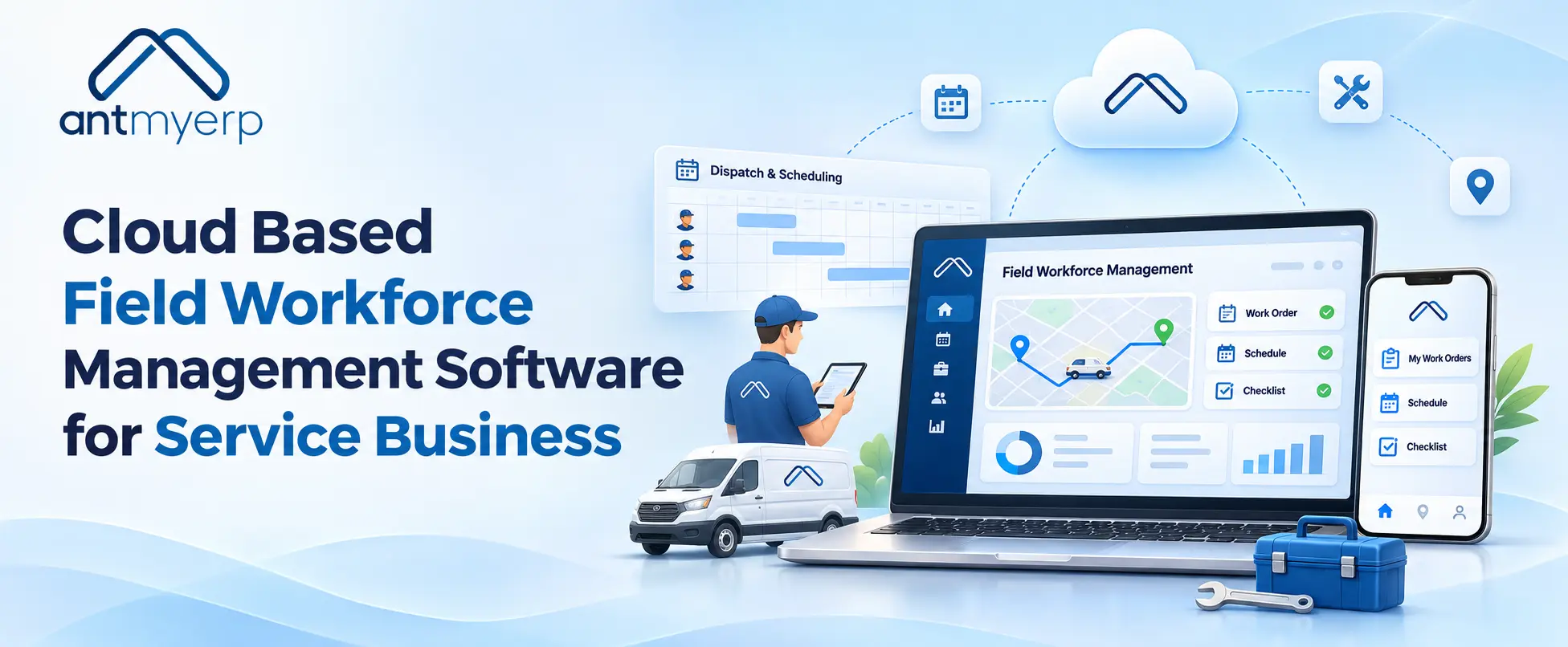
Cloud Based Field Workforce Management Software for Service Business
2026-11-16
Cloud-based field service software helps service businesses manage technicians, schedules, work orders, customer information, and field updates in one place. It can improve service response, technician utilization, customer communication, operational visibility, service history, and preventive maintenance as the business grows.
Managing a field service team can get challenging when technicians are busy handling jobs at different customer locations. Managers sitting in the office often have to depend on calls, WhatsApp messages, and spreadsheets to know what is going on. With so many updates coming from different places, keeping track of every job becomes difficult.
Cloud Based Field Service Management Software helps bring all these activities together in one place. Managers can check service requests, assign work orders, schedule technicians, and keep customer details and job updates organised.
This makes daily field service operations easier to manage as the business grows. Managers can see how work is progressing, and technicians can get the job details they need while working at customer locations.
When Field Operations Start Getting Hard to Manage
Field operations may seem manageable when a business has a small number of technicians and service requests. As the team grows, coordination becomes more complicated.
A manager may need to know:
- Which technician is available?
- Who is handling a particular customer request?
- Which jobs are still pending?
- Has the technician reached the customer location?
- What work has already been completed?
- Does the customer have previous service history?
- Which service calls need immediate attention?
When these details are maintained across different spreadsheets, calls, and messages, getting a complete picture can take time.
Field Workforce Management Software makes this easier by bringing technician details, service requests, work orders, and customer information together in one place. Managers don’t have to depend on calls or messages for every update and can check the progress of ongoing jobs whenever needed.
What Managers Actually Need From Field Workforce Management
Good Field Service Management is not only about assigning technicians. It is about connecting the different activities that happen before, during, and after a service visit.
A useful Field Workforce Software should help managers:
Know who is doing what
Managers can view assigned jobs, technician workloads, and pending service activities without repeatedly calling the field team.
Plan technician schedules
Technician Scheduling helps businesses organize service visits based on technician availability, workload, location, and job requirements.
Manage work orders
With Work Order Management, service requests can move from assignment to completion in a structured way. Job details and service updates can stay connected to the same work order.
Track field activities
Field Technician Tracking gives managers better visibility into technician activity and job progress.
Keep customer and service records together
Customer details, equipment information, previous service activities, and current work can be maintained within the same workflow.
For businesses looking for a broader Field Service Management Software solution, AntMyERP also brings service scheduling, technician mobile apps, preventive maintenance, field reporting, and service integration together within its service module.
From Job Request to Job Closure
One of the biggest advantages of a digital system is that it connects the entire service workflow.
A typical process can look like this:
Service Request
Work Order
Job Scheduling and Dispatch
Technician Visit
Service Update
Job Closure
Service History
A customer raises a service request.
The manager reviews the request and creates or assigns a work order. Based on availability and job requirements, the technician is scheduled and dispatched.
The technician receives the relevant job information and visits the customer location. After completing the work, the technician records the service activity and updates the job status.
The manager can then review the completed work and retain the information as part of the customer’s service history.
This gives the business a clearer view of the complete service journey instead of treating every service call as a separate activity.
What Changes When Your Field Team Moves to the Cloud?
A Cloud Based Field Service Software system changes how service information is accessed and shared.
With traditional processes, technicians may need to call the office for job details, while managers may need to wait for updates before knowing what happened at the customer location.
With Cloud-Based Field Service Software, authorized users can access current information through the system from different locations.
This can support Mobile Workforce Management by allowing field employees to work with job information while they are away from the office.
For example, a technician can access assigned work, review relevant customer or equipment information, and update the service activity after completing the job.
At the same time, managers can review job progress without waiting for a separate manual report.
Why Cloud Field Service Software Matters as the Business Grows
The value of Cloud Field Service Software goes beyond moving records online.
As service businesses add more technicians, customers, locations, and service requests, coordination becomes an important part of daily operations.
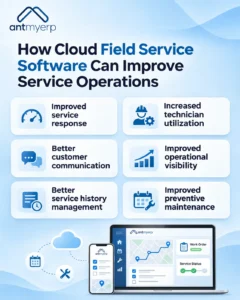
A cloud-based system can help businesses improve:
Service response
Service requests can move into the assignment process without depending entirely on manual coordination.
Technician utilization
Managers can get better visibility into technician workloads and available capacity.
Customer communication
Service teams can refer to current and previous service information when responding to customer questions.
Operational visibility
Managers can review active, pending, and completed jobs from a central system.
Service history
Completed activities can be recorded against customers, equipment, or assets for future reference.
Preventive maintenance
Businesses that provide recurring maintenance can connect scheduled activities with Preventive Maintenance Software workflows and service records.
For businesses managing recurring maintenance, Preventive Maintenance Software helps schedule, assign, and track preventive maintenance activities while keeping maintenance information organized.
Field Service Management Software Cloud: What Should Businesses Look For?
Businesses searching for Field Service Management Software Cloud solutions should look beyond basic technician tracking.
The software should fit the way the service team actually works.
Before choosing a solution, IT and operations teams can consider:
- Does it support technician scheduling and dispatch?
- Can technicians access job information from the field?
- Can managers monitor work order status?
- Can the system maintain customer and equipment service history?
- Does it support multiple technicians and locations?
- Can it connect field activities with inventory, assets, maintenance, or billing?
- Does it provide useful reports and access controls?
- Can it scale as the service business grows?
For businesses where service teams work with customer equipment or assets, connecting field service with Asset Management can also be useful. AntMyERP’s asset management solution supports asset lifecycle information, service history, warranty details, and tracking across locations.
The right solution should reduce unnecessary coordination rather than create another system that employees have to maintain separately.
Cloud Based Field Service Management Software Online vs. Manual Processes
Businesses looking for Cloud Based Field Service Management Software Online are often trying to replace manual processes with a system that can be accessed from different locations.
The difference can be simple.
With manual processes, a manager may need to call a technician for a status update, search through spreadsheets for customer details, and check separate records for previous service work.
With a cloud-based system, these activities can be connected within one workflow.
That does not mean every business process becomes automatic. The real benefit is having a shared system where teams can record, access, and manage service information more consistently.
Is Cloud ERP for Field Service Management the Right Approach?
Some businesses need field service management as part of a wider business system.
A Cloud ERP for Field Service Management can connect field operations with other areas such as inventory, customer management, asset records, finance, and billing.
This can be useful for service businesses where technicians do more than simply complete service visits.
For example, a technician may need a replacement part from inventory, service history for a specific asset, customer information, and details of previous maintenance work before completing a job.
Connecting these processes can give managers a broader view of the business instead of keeping field service separate from other operations.
Where AntMyERP Fits Into Field Service Operations
AntMyERP brings service activities, customer information, work orders, equipment records, and field operations into a connected system.
For businesses evaluating Cloud-Based Field Service Management Software, the workflow can connect:
Customer
Service Request
Work Order
Technician
Service Activity
Service History
Its field service solution includes capabilities such as technician mobile apps, service scheduling, preventive maintenance, field service reporting, technician tracking, spare parts management, and service integration.
This approach can help service teams manage day-to-day activities while keeping important operational information connected.
For a growing Service Business Management operation, having these activities connected can make it easier for managers to understand what is happening across customers, technicians, assets, and service jobs.
If your team is still managing a large part of its field operations through spreadsheets, calls, and separate records, you can see how the workflow can fit your service operations.