
What is Field Service CRM Software, and How Does It Work?
2026-10-26
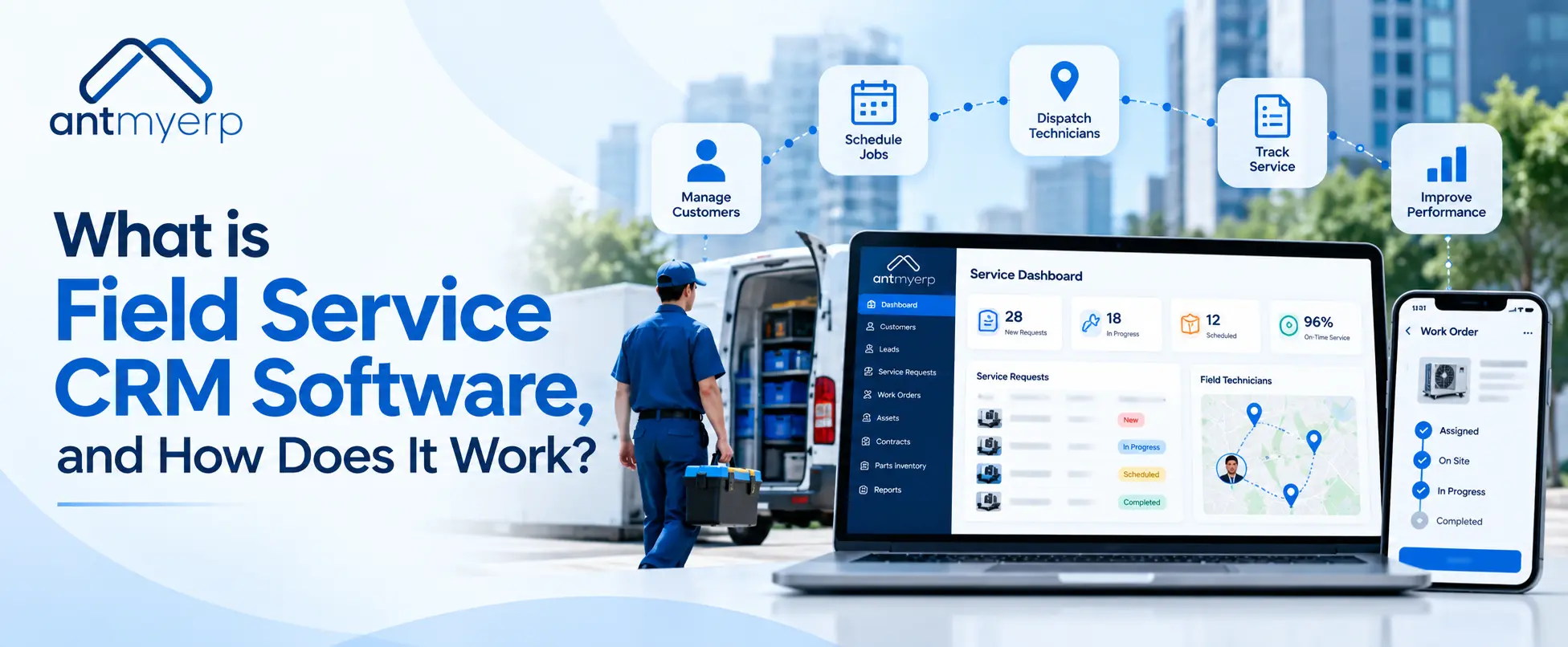
Field service CRM software helps businesses manage customer information, service requests, technician schedules, work orders, and customer communication in one place. A CRM for field service connects office teams with technicians working at customer locations. With features such as field service scheduling software, work order tracking, mobile access, and automation, businesses can improve service coordination, reduce manual work, and deliver a better customer experience.
What Is Field Service CRM Software?
Field service CRM is software helps businesses manage customer relationships alongside service activities performed at customer locations. It brings customer records, service history, work orders, technician assignments, and follow-up communication together in one system.
Unlike a basic CRM that primarily manages customer information and sales activities, a field service management CRM also supports day-to-day service operations. Managers can review service requests, assign technicians, track job progress, and keep customers informed.
For example, an equipment maintenance company may receive a repair request from a customer. The team can check the customer’s service history, create a work order, assign a qualified technician, and track the job until completion.
This makes field service CRM software useful for businesses that provide equipment maintenance, repairs, installation, inspections, and after-sales support.
How Does Field Service CRM Software Work?
CRM software for field service connects customer management with service scheduling and execution. Although workflows differ between businesses, the process generally follows these steps.
1. Record Customer Information
The system stores customer contact details, service locations, equipment information, contracts, and previous service records. Teams can refer to this information before assigning a new job.
2. Receive and Manage Service Requests
When a customer reports a problem or requests maintenance, the team records the request in the system. The service team can review the issue, check its priority, and create a work order.
3. Schedule and Assign Technicians
Field service scheduling software helps managers assign jobs according to technician availability, location, skills, and workload. This makes it easier to coordinate appointments and reduce scheduling conflicts.
4. Track Work Orders and Job Progress
Field service work order management helps teams track jobs from assignment to completion. Managers can monitor job status, review technician updates, and keep service records organized.
5. Enable Mobile Access for Field Teams
Technicians can use a mobile application, where supported, to view assigned jobs, access customer information, update work status, and record service details from the field.
6. Update Customers and Review Results
After a job is completed, the team can update the service history and communicate the outcome to the customer. Managers can also review reports to understand service performance and identify areas for improvement.
Key Features of a Field Service Management CRM
The right features depend on the size of your service team and the complexity of your operations. The following capabilities are particularly useful.
Customer and Service History Management
A centralized customer record helps service teams access contact details, previous complaints, equipment information, and service history. This reduces repeated questions and helps technicians understand the customer’s requirements before arriving on-site.
Field Service Scheduling and Dispatch
Scheduling tools help managers organize appointments and assign jobs based on availability, location, and skills. Dispatchers can adjust assignments when emergencies, cancellations, or delays occur.
Work Order Management
Work order management helps teams document service requests, assigned technicians, required parts, job status, and completion details. It also provides a consistent record for future maintenance and troubleshooting.
Technician Mobile Application
Mobile access allows technicians to view job instructions, update service records, and communicate with the office while working at customer locations. Access to the latest information helps reduce delays caused by missing paperwork or repeated calls.
Inventory and Spare Parts Tracking
Service teams often need spare parts, tools, and replacement components to complete jobs. Inventory tracking helps businesses check stock availability and coordinate parts requirements before sending technicians to a customer site.
Reporting and Performance Tracking
Reports help managers monitor completed jobs, pending requests, technician productivity, response times, and customer service trends. These insights can support better resource planning and service decisions.
Benefits of Using Field Service CRM Software
A field service CRM can help businesses coordinate customer service and field operations more effectively.
1. Better Customer Experience
Technicians can access relevant customer and service information before starting a job. Teams can also provide timely updates about appointments, delays, and completed work.
2. Improved Technician Scheduling
A centralized schedule makes it easier to assign jobs, manage workloads, and respond to urgent requests. Managers can make adjustments when a technician becomes unavailable or a new priority arises.
3. Less Manual Administration
Field service automation software can reduce repetitive tasks such as manually assigning jobs, updating records, and sending routine notifications. This gives office staff more time to handle customer requests and operational issues.
4. Better Service Visibility
Managers can review job statuses and service records without depending entirely on phone calls or separate spreadsheets. Where real-time tracking is supported, they can also monitor technician locations and field activity.
5. More Organized Service Records
Digital work orders and customer histories make it easier to review previous repairs, recurring issues, and completed maintenance. These records can help teams prepare for future visits and maintain consistent service processes.
6. More Informed Business Decisions
Performance reports help businesses identify recurring service problems, scheduling bottlenecks, and areas where additional training or resources may be needed.
Field Service CRM vs. Field Service Management Software
Both tools help service businesses, but their main focus is different.
- Field Service CRM: Manages customer details, service history, and customer requests.
- Field Service Management Software: Helps schedule technicians, assign jobs, and track work orders.
- Real-life example: If an AC customer reports a problem, the CRM helps the team check the customer’s service history. Field service management software helps assign a technician, schedule a visit, and track the repair.
- Combined features: Many modern solutions offer both capabilities in one system, making it easier to manage customers and daily service operations.
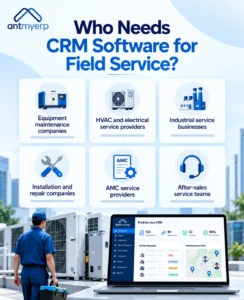
Who Needs CRM Software for Field Service?
Field service CRM software can be useful for businesses that send employees or technicians to customer locations.
Examples include:
- Equipment maintenance companies: Manage repair requests, service histories, and planned maintenance visits.
- HVAC and electrical service providers: Schedule technicians, record inspections, and track repair work.
- Industrial service businesses: Coordinate equipment servicing, work orders, spare parts, and customer communication.
- Installation and repair companies: Assign installation jobs, track progress, and maintain customer records.
- AMC service providers: Manage service contracts, customer equipment, and scheduled maintenance visits.
- After-sales service teams: Coordinate warranty-related requests, repairs, and follow-up activities.
Businesses with multiple technicians, recurring service visits, or a high volume of work orders may benefit particularly from a centralized system.
How to Choose the Right Field Service CRM Software
Before selecting a solution, consider the needs of your service team and the processes you want to improve.
Check the essential features. Look for customer management, scheduling, work order tracking, technician assignments, and reporting.
Review mobile access. Confirm that technicians can access the information they need from customer locations.
Consider integrations. Check whether the system can work with your existing inventory, accounting, billing, or customer management processes.
Evaluate reporting capabilities. Choose a solution that provides useful information about pending jobs, service completion, and team performance.
Consider business growth. Make sure the software can support additional technicians, customers, service locations, and operational requirements as your business expands.
Review the complete workflow. Look beyond individual features and check whether the system connects customer requests, technician scheduling, job execution, and service records.
Manage Field Service Operations with AntMyERP
Managing field technicians involves more than maintaining customer contact details. Businesses also need to coordinate service requests, work orders, technician schedules, and customer follow-ups. The right field service management software can help teams organize these activities and maintain service records.
AntMyERP‘s field service management software to help businesses manage their field service operations. Its technician mobile application also supports technicians who need access to service information while working at customer locations.
We support related service processes through solutions such as AMC management software, warranty management software, after-sales service management software, and Return Material Authorization (RMA) software.
These services can be relevant for businesses that manage maintenance contracts, warranty claims, after-sales requests, and product returns alongside their field service activities.
To understand how customer relationships can affect business results, read our blog: The Hidden Reason You’re Losing Potential Customers.
Before choosing a field service CRM solution, review your team’s requirements for customer management, technician scheduling, work order tracking, and service coordination.
Conclusion
Field service CRM software helps businesses bring customer management and field operations closer together. By connecting service requests, technician schedules, work orders, and customer records, it can reduce manual coordination and improve visibility across service activities.
When choosing a solution, consider how well it supports your team’s complete service workflow, from the first customer request to job completion and follow-up. A system that fits your operational needs can help your business deliver more consistent and organized field service.